Give your AI coding buddy a face on your desktop
A pixel pet in the corner of your screen that shows, live, what Claude Code, Codex and Cursor are thinking, doing, and waiting for you to approve.
CHOOSE YOUR FIGHTER // Supported agents
Run as many as you like, one creature per session
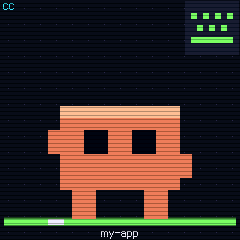
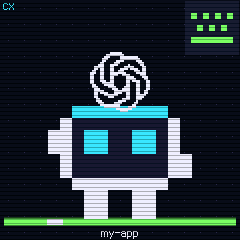
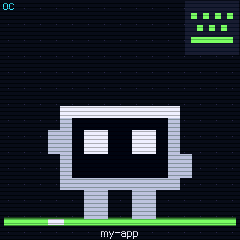
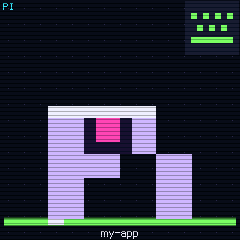
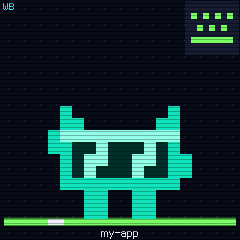
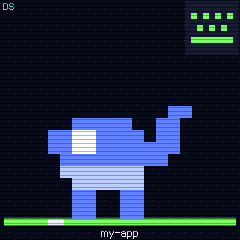
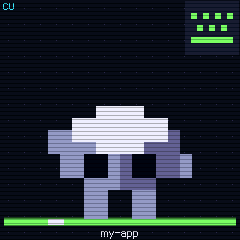
Seven moods, readable at a glance
Shape plus colour, clear from the corner of your eye
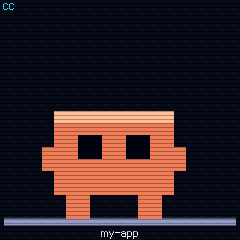
Session open, waiting for your next prompt.
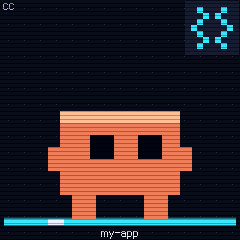
The model is reasoning; the gear spins.
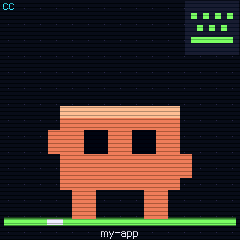
Reading files, editing code, running commands.
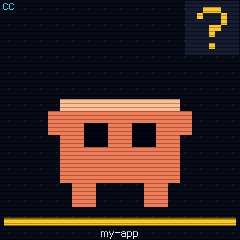
Needs your approval to go on; the pet jumps over to tell you.
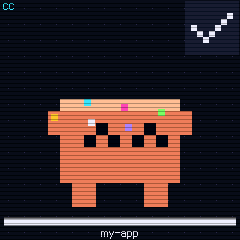
Turn finished. A quick smile, then back to idle.
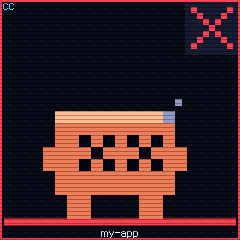
An API error or a failed turn. Red x_x.
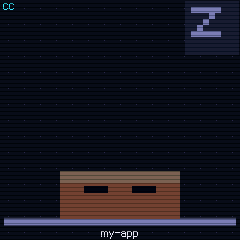
Quiet for a while, so it naps. Wakes on the next event.
Never miss an approval again
When an agent stops to ask, you're probably busy in another window. MiqiPet pulls you back:
- ▶The pet jumps straight to the session that's waiting
- ▶Its border flashes yellow (red on errors; you can turn it off)
- ▶The menu bar icon turns yellow, or red on errors, so you know even without looking at the pet
Desk squad: many sessions, one screen
The screen below is the real firmware, running
Claude Code, Codex and Cursor side by side, each session with its own creature and title.
When an agent spawns sub-agents, tiny followers pop up above it and leave in confetti.
More sessions than fit? It pages through them; each style decides how many per page.
A session waiting for you or failing gets its page shown right away.
Swap the cartridge: eight built-in styles
8 built-in styles, plus downloadable style packs
One-click setup: it finds your agents
Open Agents in the settings: the app checks which agents you have and whether they're connected. One click connects them; updating and removing live there too.
Small and quiet until it matters
Floats above your editor and terminal, if you want it to.
Whole-number scaling keeps every pixel crisp.
Drag it near a screen edge and it docks there.
Put it on any screen; it snaps to that one.
Optional; shows up in the menu bar when you log in.
Pet, styles and settings, all from the menu bar icon.
The pet only reads the status your agents report locally. Your code, prompts and conversations are never uploaded. Signing in is only for style packs.
Download MiqiPet for free
The installers are being polished. Coming soon.